Does anything join my call?
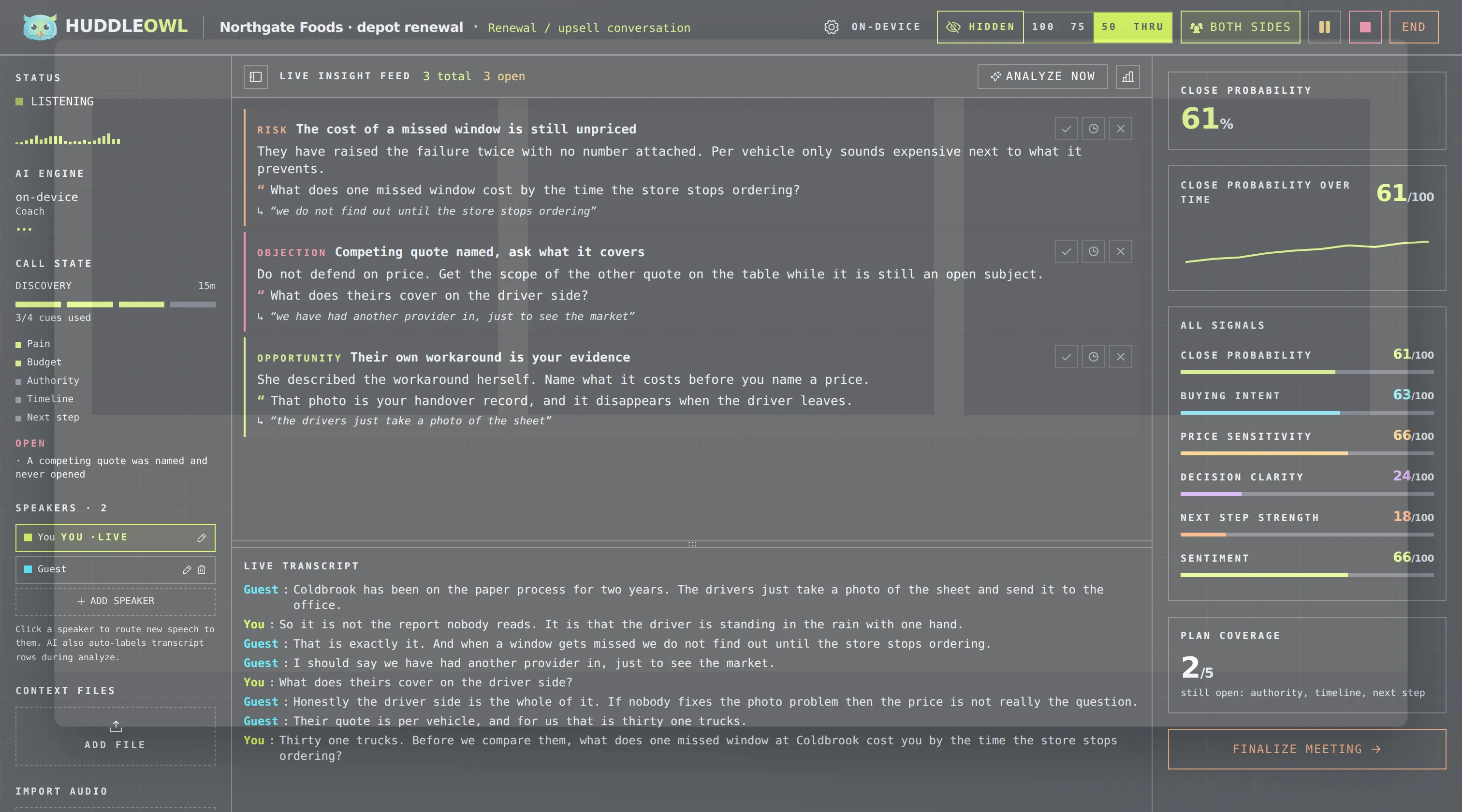
No. There is no bot, no extra participant and no calendar connection. HuddleOwl listens to your microphone and your system audio on your own machine, so nobody on the call sees anything different.
Does my audio leave my machine?
On a Mac with the on-device models selected, no. Nothing, at all, including when the wifi is off. If you choose a cloud model instead, your transcript goes to the provider you picked, using your key, and never passes through us.
Is it really free?
Yes, for individuals, permanently. No card, no trial clock, no feature held back to sell you later. Teams will eventually pay for team features that do not exist yet.
What about Windows?
The app runs on Windows 10 and 11 and captures both sides of the call through loopback audio. The on-device engines are macOS only today, so on Windows you currently point HuddleOwl at a cloud model of your choosing. Windows local engines are being worked on, and this page will say so the day they land.
Which models does it run?
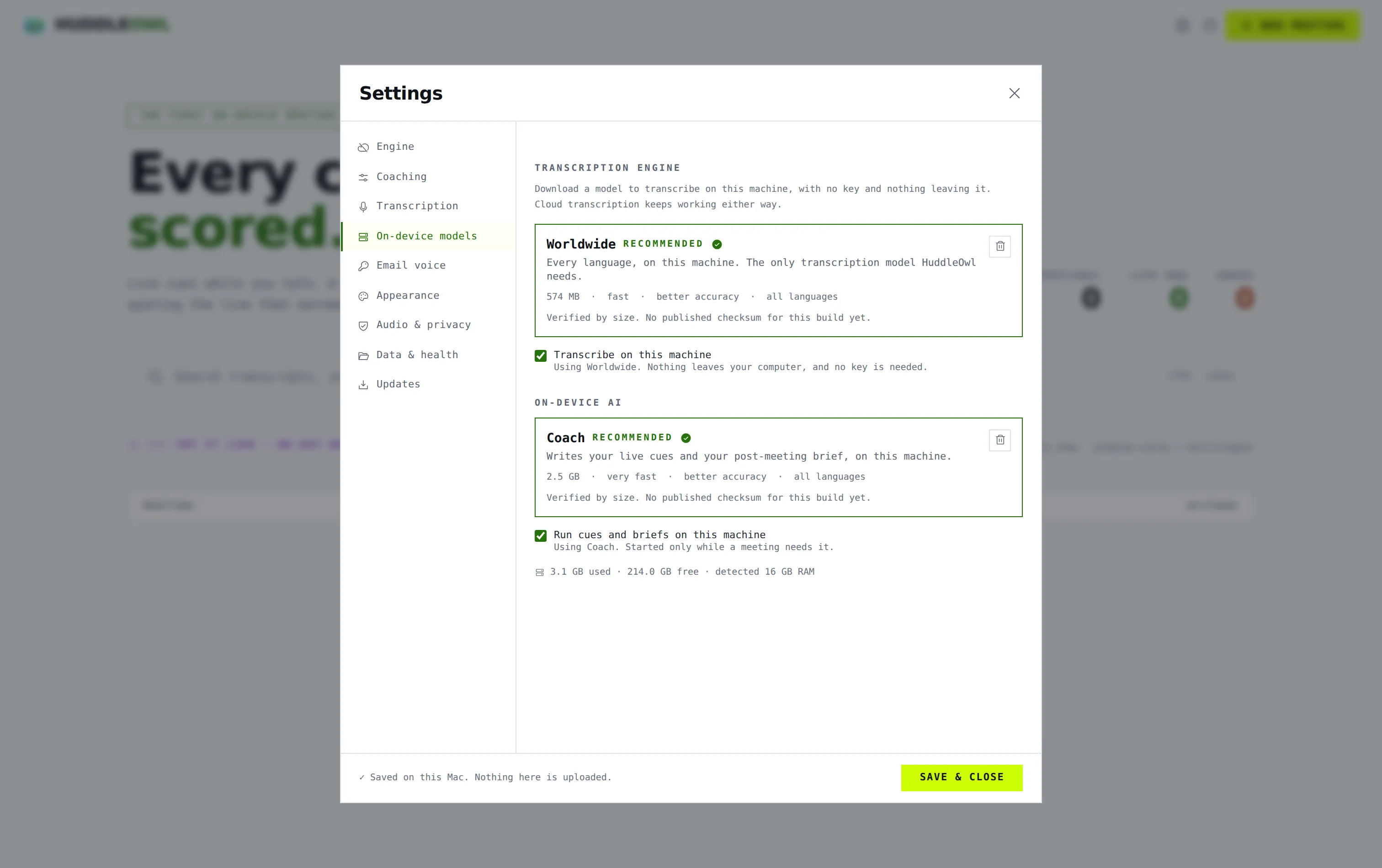
A Whisper-family transcription model and a local coaching model, both downloaded once from inside the app. Together they are about 3GB and want 8GB of RAM. Or point it at any of 100+ cloud providers, or at your own endpoint.
Is stealth mode above board?
It hides the coaching overlay from your screen share so the person you are talking to does not watch you being coached. It does not hide that you are recording, and it does not touch anything on their side. Recording law is yours to follow where you are.
Where is my data kept?
In a folder on your disk that you can open from inside the app. Transcripts, cues, briefs and draft emails all live there. Delete the folder and there is nothing left anywhere, because there is no server holding a copy.
Can I import an old recording?
Yes. Drop in an audio file you already have and it comes back with the same transcript, the same rubric and the same evidence quotes as a live call.
Will macOS stop me from opening it?
No. From 0.4.0 the Mac build is signed with an Apple Developer ID and notarised by Apple. On first launch macOS asks once whether you are sure, the same as it does for any app you download, and it says Apple checked the file and found nothing. Click Open and it never asks again. If you are on 0.3.0 or earlier, macOS called those builds damaged because they were not notarised; xattr -cr /Applications/HuddleOwl.app was the fix, and downloading the current build is the better one.