This is general information, not legal advice, and recording law is one of the areas where the difference matters. If a recording is going to be evidence, or the call is regulated, ask a lawyer in the relevant jurisdiction.
With that said, most of the confusion comes from not knowing what the actual question is.
The question every jurisdiction answers differently
Whose consent do you need to record a conversation you are part of?
There are two answers in wide use.
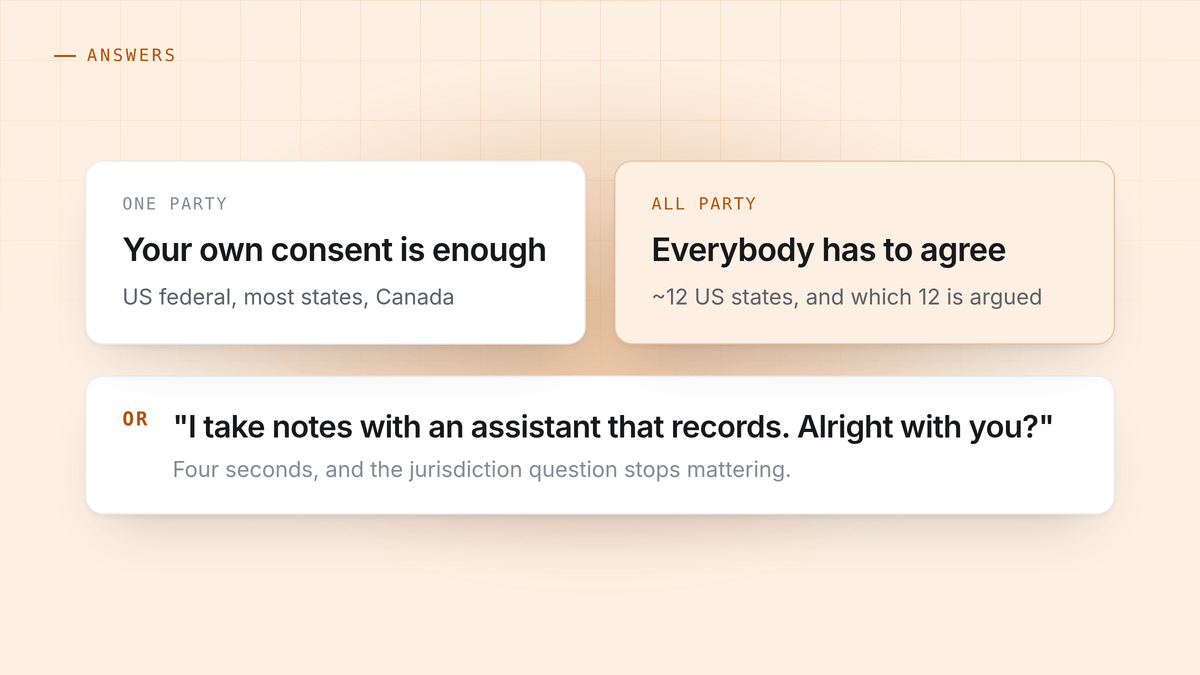
One party consent. Your own consent is enough, because you are a party to the conversation. You may record without telling anyone. This is the position of United States federal law and of most US states, of Canada, and of a good deal of the world.
All party consent. Everybody in the conversation has to agree. Recording without that is a criminal offence in several places, not merely a civil wrong. Roughly a dozen US states take this position, and exactly which dozen depends on who is counting: several are genuinely disputed in case law, and a few distinguish between an in-person conversation and a phone call. California, Florida, Illinois, Maryland, Massachusetts, Montana, New Hampshire, Oregon, Pennsylvania and Washington are the ones nobody argues about.
The trap is not knowing which rule applies. The trap is that on a remote call, more than one of them can apply at once.
Remote calls break the simple version
You are in a one party state. The person you are talking to is in an all party state. Which law governs?
The cautious answer, and the one most corporate counsel will give you, is: the strictest one that touches the call. Some all party statutes reach conduct that records a person located in that state regardless of where the recorder sits, and litigating the question is far more expensive than asking.
This is why on a video call the jurisdiction question is nearly unanswerable in advance. You often do not know where the other person physically is. They may not be where their phone number or their office is.
Then there is data protection, which is a separate problem
Consent law asks whether you may make the recording. Data protection law asks what you may then do with it. They are different regimes and you can satisfy one and breach the other.
Under the GDPR in the EU and its UK equivalent, a recording of an identifiable person is personal data. You need a lawful basis for processing it, the person has a right to know you hold it, and in many cases a right to have it deleted. A transcript is personal data too. So are the notes a model wrote about somebody’s performance on the call.
This is where an AI notetaker quietly changes your compliance position. Sending the recording to a vendor makes that vendor a processor. It belongs in your privacy notice, it needs a data processing agreement, and if the vendor’s servers are outside your region there is a transfer question. None of that is difficult, but it is real work, and it is work that usually surfaces halfway through a procurement review rather than at the start.
Keeping the audio on the machine that heard it does not exempt you from data protection law. It does remove the processor, the transfer and the retention questions that come with a third party, which is a materially smaller surface. There is more on where recordings actually end up in where your meeting recordings go.
Sector rules that override all of this
Some conversations carry their own rules regardless of consent law:
- Healthcare. A recording containing patient information is protected health information in the US, with its own handling requirements.
- Financial advice. Several regimes require call recording, and require the records to be retained and produced. Here the risk is failing to record.
- Legal work. Privilege is easy to lose and hard to get back. A recording of a privileged conversation sitting on a vendor’s server is a question you do not want to be asked in discovery.
- Employment. Recording a disciplinary meeting or a performance conversation raises employment law questions well beyond wiretap statutes.
HuddleOwl runs on your own machine and makes no claim to certification in any of these, which is covered plainly on the page for regulated and confidential work. Local processing removes a third party from the picture. It does not make you compliant.
The practical rule
You can skip all of the above with one habit, and most people who record professionally have arrived at the same one:
Say you are recording, at the top of the call, in one sentence.
“I take notes with an assistant that records the call, is that alright with you?”
It takes four seconds. It is the correct answer under all party consent, it satisfies the transparency requirement under data protection law, and it removes the entire jurisdiction question, because you have consent from everyone rather than a theory about whose law applies.
It also has a benefit nobody mentions: asking makes the recording normal. The awkwardness people are avoiding when they record silently is almost always smaller than the awkwardness of being found out later.
Where notice and disclosure differ
Two things get conflated, and they are worth separating.
A bot joining your call is disclosure by accident. It appears in the participant list, everyone sees it, and that satisfies notice in a crude way. It also announces the recording to a client or a candidate at the exact moment you were trying to build rapport, which is why people dislike it.
Nothing joining the call is not the same as hiding it. Capturing audio on your own machine means the recording is not announced by the software, so announcing it is your job. The four seconds above is that job. An app that captures locally makes the notice a choice you make deliberately rather than one the tool makes for you at the worst possible moment.
HuddleOwl’s stealth mode hides the coaching overlay from a screen share, so the person you are talking to does not watch you being coached. It does not hide that a recording is happening, and it is not intended to.
HuddleOwl records on your own machine, keeps the audio there, and coaches you during the call. Free, and nothing joins the meeting. What that means for your data is set out in the privacy page.
References
- 18 U.S. Code §2511, Cornell LII. The US federal one party consent provision.
- GDPR Article 6. Lawful bases for processing.
- UK ICO guidance on the lawful basis for processing.
- Reporters Committee for Freedom of the Press, recording guide. A state by state summary, kept current.


