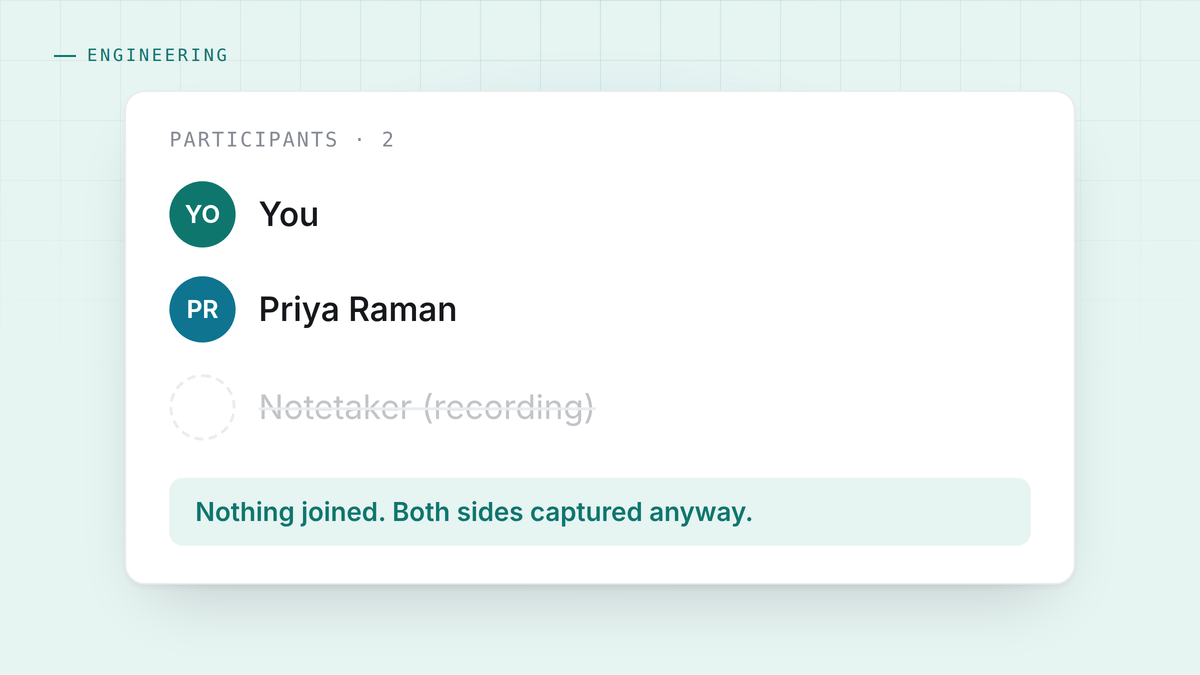
The easy way, and why everyone takes it
A meeting platform will hand your audio to a bot. Invite it, it joins, and both sides of the conversation arrive as a clean stream with speaker labels already attached. Zoom, Meet and Teams all support this, and it is the reason almost every AI notetaker works this way: it is a solved problem with an API behind it.
The cost is that everyone on the call watches a participant called Fireflies Notetaker arrive, and something changes. Sometimes it is a joke. Sometimes it is a request to remove it. On a first call with a lawyer or a candidate or a churning customer, it is a different conversation from the one you were going to have.
The other way
Your machine already has both halves of the call. Your microphone is your side. What your speakers are playing is the other side. Take both, keep them as separate tracks, and you have the whole conversation with nothing joining anything.
Nobody sees a bot because there is no bot. It works on Zoom, Meet, Teams, a Slack huddle, a phone on speaker and two people at a table, because it never knew which of those it was.
That is the whole idea, and it is not free.
Problem one: the operating system does not want you to have it
Microphone access is a solved permission. System audio is not.
On macOS 14.4 and later there is a native process tap, which is clean: no picker, no prompt, nothing to approve. Below that, system audio arrives through the screen capture API, which means asking for Screen and System Audio Recording permission, because Apple puts both behind one switch. So an app that only wants to hear your speakers has to ask for something that sounds like it wants to watch your screen. HuddleOwl takes the audio track and stops the video track immediately, and the permission dialog still says what it says.
There is a worse version. The permission can be granted and not applied, because macOS binds the grant to a running process. The checkbox is ticked, capture still fails, and every instinct tells you to go and tick the checkbox again. The app has to detect that state and say quit completely and reopen, because a message telling you to grant a permission you already granted is how people conclude the software is broken.
Windows is easier: loopback audio, no permission, no picker.
Problem two: your microphone hears the other person too
If you are on speakers, your microphone picks up the other person’s voice coming out of them. So the same sentence arrives twice: once correctly on the system track, and once on your track, where it looks like you said it.
Left alone this produces a transcript where you appear to be finishing the other person’s sentences, and a coach that scores you on things you did not say. The fix is echo cancellation against a shared far-end reference, plus a cross-talk check that notices the same utterance on both tracks inside a short window and keeps the clean copy.
One detail there is worth stating, because it is a rule rather than a preference: the duplicate is hidden, not deleted. The transcript is the record of what was said, and a filter that is sometimes wrong must never be able to destroy it. Every row is stored, and a field says why one is not shown.
Problem three: you do not know who is speaking
The bot approach gets speaker labels from the platform. Capturing locally, you get two tracks and no names.
The honest answer is to use what you actually know. The microphone is you. The loopback is the other side. That is not a guess, it is a fact about which device the audio came from, so attribution is deterministic and correct even when a model would have got it wrong.
What you do not get is a name. During a live call the other side is labelled Guest, because inventing a name for a voice is exactly the kind of confident wrongness this app is trying not to have. On a group call the far side is one channel, and separating it into individuals is a much harder problem than the marketing of most tools admits.
Problem four: nobody else can debug it for you
A bot runs in someone’s cloud, where the vendor sees every failure. Local capture runs on hardware you have never seen, behind a permission model that changed three times in four OS versions.
So the app has to explain itself. When capture fails it should say which of the causes it was, and it should be able to tell “you have not granted this” apart from “you granted it and macOS has not applied it yet”, because those look identical to the user and have completely different fixes.
Was it worth it
Yes, for one reason that has nothing to do with privacy.
The call is different when nothing joins it. Not privately different, observably different: nobody asks what the bot is, nobody performs for the recording, and the first two minutes are not about your tooling.
The privacy consequence follows for free. Audio that never left your machine to get to a bot does not need a data processing agreement, a retention policy or a security questionnaire. But that is the second-order benefit. The first one is that you get to have the conversation you meant to have.


